OpenClaw or OpenSlop

OpenClaw or OpenSlop

If you are a software developer in early 2026, you have probably heard of OpenClaw (known as ClawdBot or MoltBot just a few weeks ago). So, what exactly is OpenClaw? It’s an agentic system that you can deploy on any of your machines. If you are using a Mac, it provides a helper app with a graphical interface that gives the agent access to your entire machine. It comes with a zillion integrations and, notably, it can be easily connected to all popular chat applications—both personal (like WhatsApp and Telegram) and corporate (like Microsoft Teams and Mattermost).
Foldable keyboard with friction hinges

Foldable keyboard with friction hinges

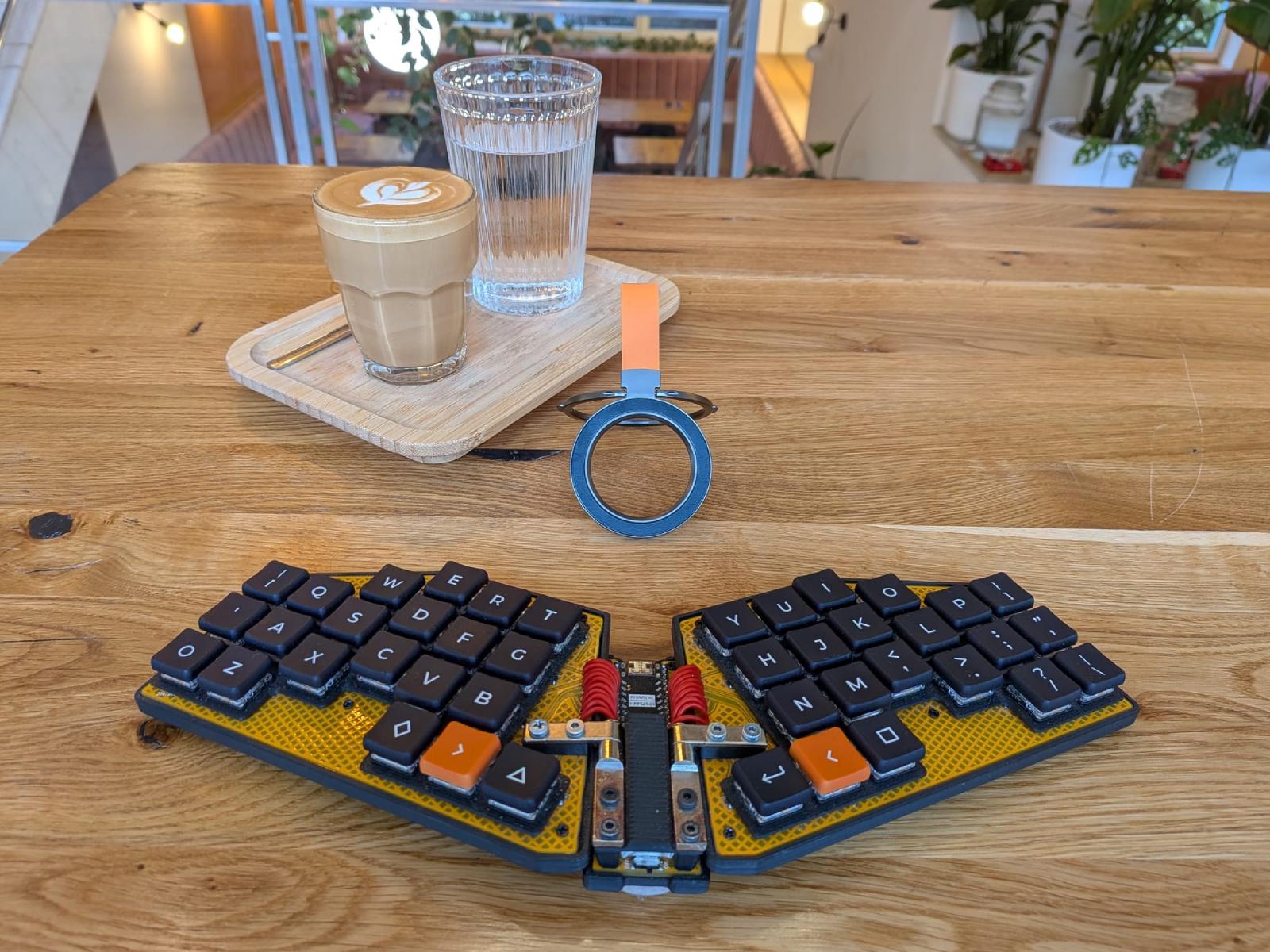
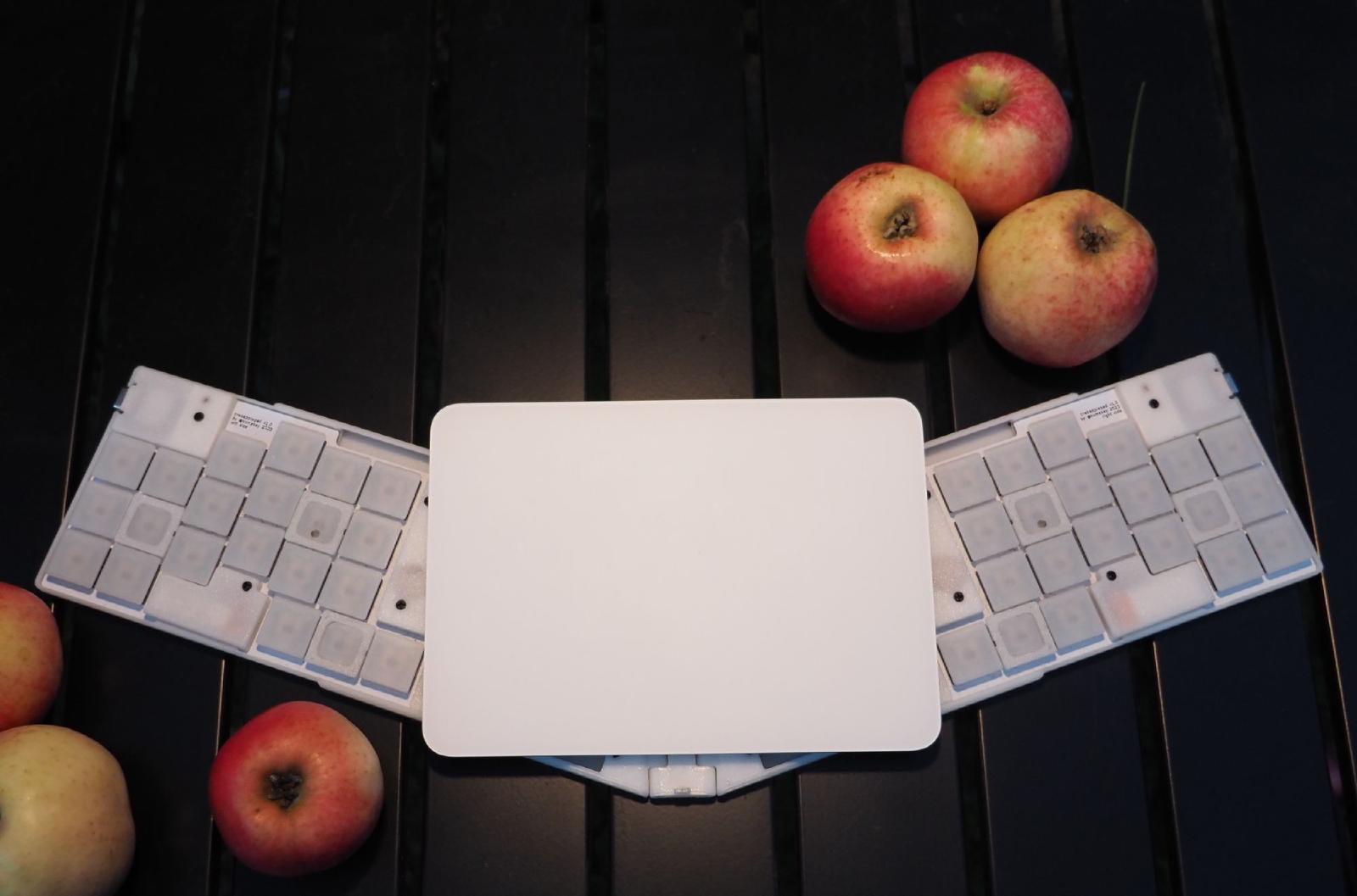
This is not a completely new keyboard, but a remake of the Crabapplepad V2 into a foldable version. It uses a couple of friction hinges, similar to ones used for laptop lids. I bought them on AliExpress, because I wasn’t able to find anything suitable in local shops. They are quite strong (about 2Nm), and the keyboard can stay in any position; it is even sturdy enough to use on my lap.
Vibetenance Mode: Maintaining Legacy Services with AI Agents

Vibetenance Mode: Maintaining Legacy Services with AI Agents

This article can be summarized as: if there’s a legacy service no one wants to maintain, doing it with an agent is a better option. If you’ve used coding agents for some time, you already know what to do, and this note is only about introducing one more vibe-word. But I’ll still add a couple of details. The Problem Every single company I worked for had a number of old web services created at some point.
Toepad - A keyboard for feet?

Toepad - A keyboard for feet?

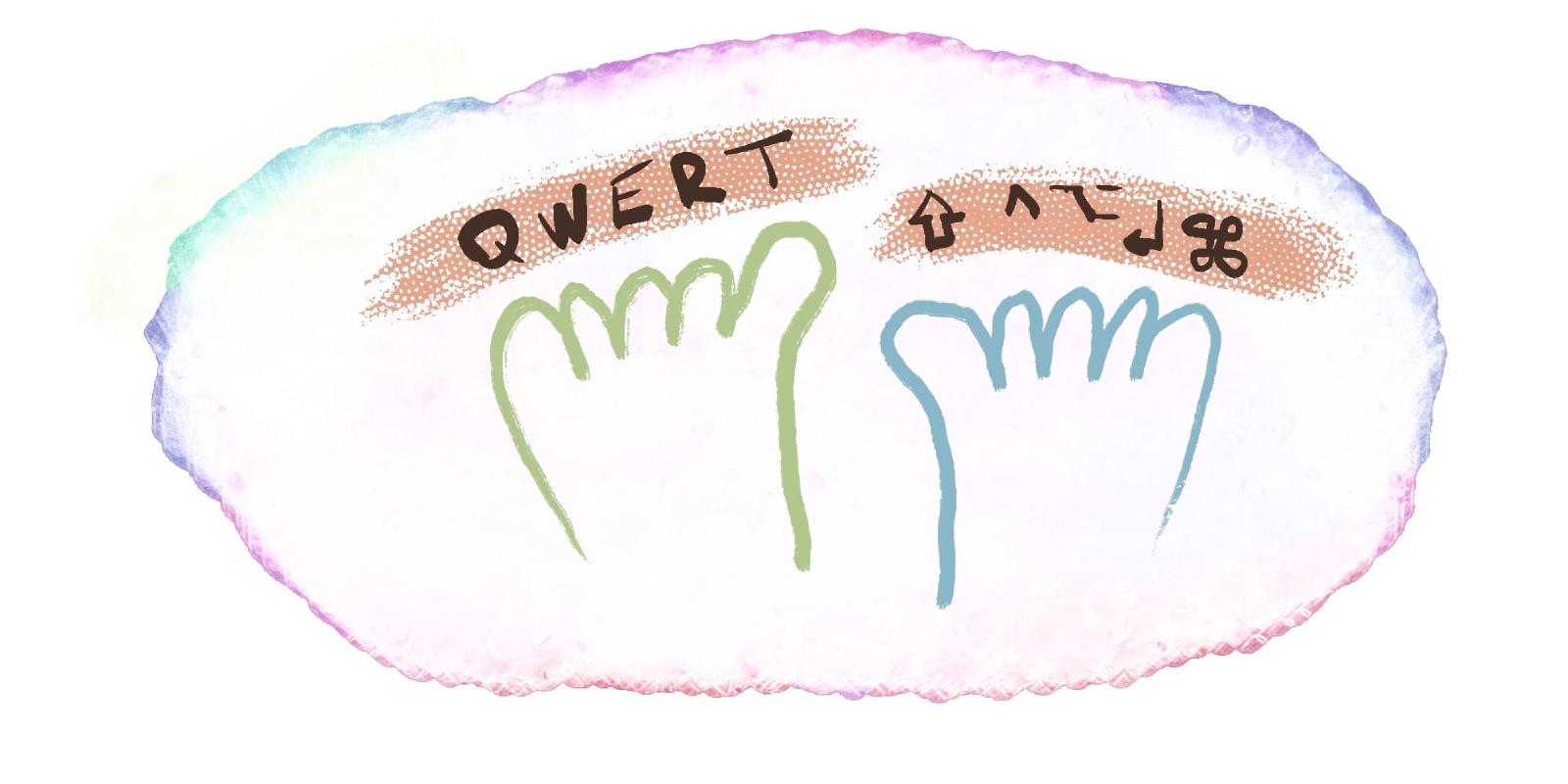
I always wished for two extra hands to manage daily tasks and become a superhero. However, it dawned on me recently that I have another set of fingers - my toes! Is it possible to use toes practically? Apparently, yes! Certain cultures and tribes use their feet’s toes to play kalimbas, grind corn, or cook meals. After some practice, individuals can improve their foot mobility and coordination. It’s worth giving it a try.
Rethinking Software Development Workflow in the Age of Generative AI

Rethinking Software Development Workflow in the Age of Generative AI

Generative AI has made it significantly easier to produce large volumes of code. However, this code is often more verbose than human-written code, appearing bloated and handling edge cases that human developers might not naturally consider. While this can sometimes enable developers to build functionality beyond their traditional limits, it more often results in bloated software and reduced overall code quality. As programming shifts from using formal programming languages to using natural language, the generated code becomes an intermediate representation — and the true “source code” is the English description of the task.

How to Mount a QCOW2 Disk to a Linux Machine

This guide explains how to mount a qcow2 disk image to a Linux machine. While the initial command might differ for other distributions, the core steps remain consistent. This example is tailored for Debian 12. 1. Install QEMU Tools First, install the necessary QEMU utilities, which provide the qemu-nbd tool. sudo apt install qemu-utils 2. Load the NBD Kernel Module Load the NBD (Network Block Device) kernel module. The max_part parameter specifies the maximum number of partitions the NBD device can expose.
Crabapplepad - The Quest for the Perfect Keyboard

Crabapplepad - The Quest for the Perfect Keyboard

For a whole decade, I was loyal to my Microsoft Natural Ergonomic 4000 keyboard. So much so, I had three of them—one for home, one for work and one I used during rare visits to my hometown. And life was good. That was until my morning coffee shop visits instilled in me the desire to write down some notes, sparking the need for a mobile keyboard. A Mobile Dream As much as I loved my stationary keyboards, they weren’t cut out for the mobile life.
PocketPi - a RaspberryPi iPad companion

PocketPi - a RaspberryPi iPad companion

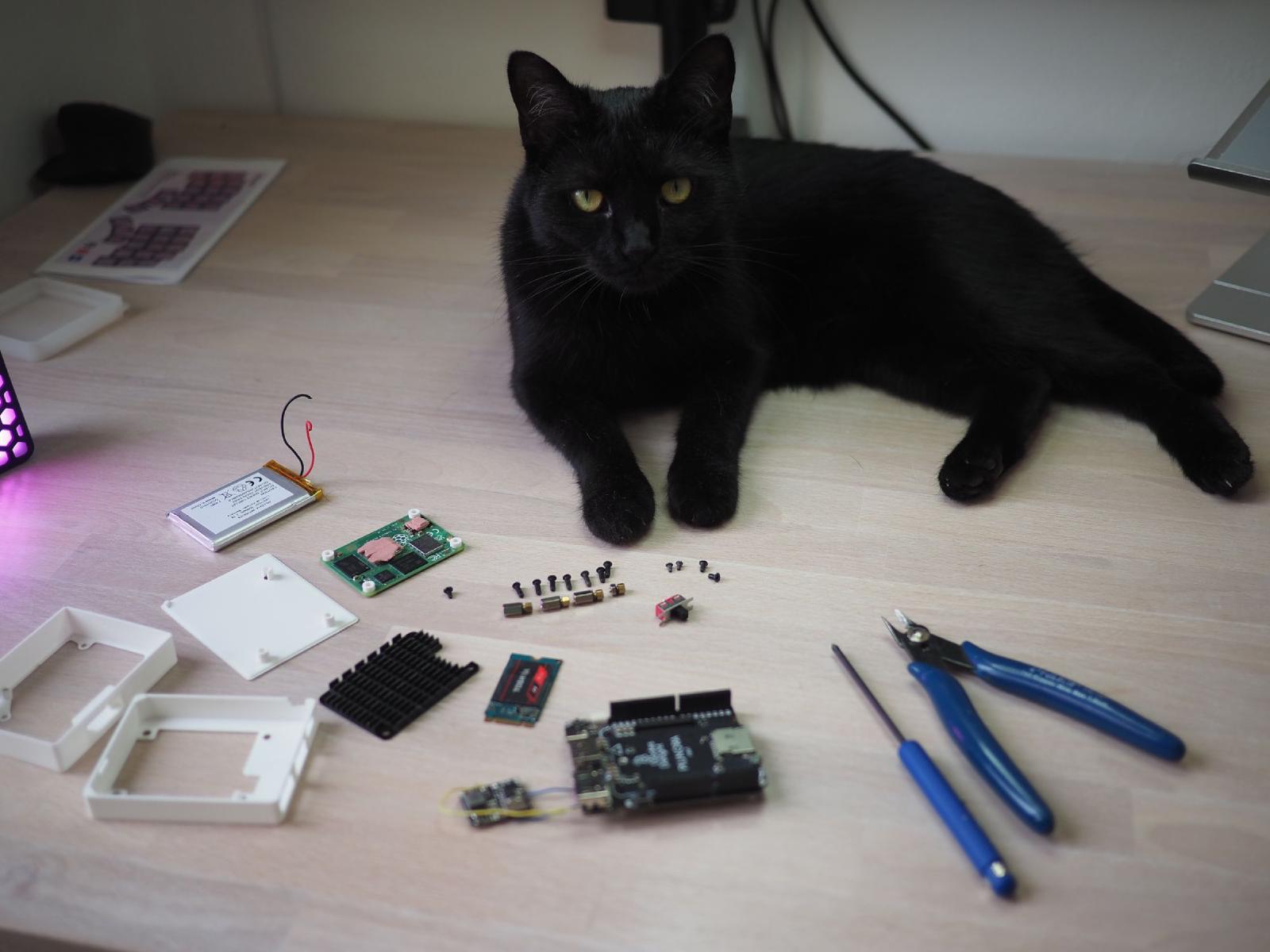
Some time ago, I began using my iPad more actively, not only for content consumption but also for creative tasks. Additionally, I have it connected to a stage manager which makes it almost a good replacement for a laptop. Almost, because I cannot code on it. I not only do web development but also play with embedded devices, and I need to directly connect devices to flash firmware and run a debugger on a chip.

Compiling custom kernel for WSL2 + USB-IP support

Updated 19.11.2021: Add note on runnins usbipd from WSL Updated 08.11.2021: Add metntion usbipd-win Updated 28.10.2021: The most recent kernel 5.10.60.1 has enabled USB-IP support, but only a few drivers for USB devices are enabled, so these instructions still make sense. Now it’s possible to Windows Subsystem for Linux from the Microsoft Store, and it’s recommended way since it brings new features faster. I would like to use USB devices inside WSL2, however, it doesn’t support USB pass-through yet.
Starting services on WSL2 with systemd

Starting services on WSL2 with systemd

Updated 28.10.2021: Corrected installation flow, init way + notes on VScode server WSL2 is a great way to run Linux alongside Windows 10/11. However, systemd doesn’t work in it yet. Luckily, there is a 3rd-party solution - genie. It creates a PID namespace, so systemd can run with PID 1 in it. Ther While it’s not a full replacement with a number of known issues, it allows running some common Linux daemons on your WSL2 instance, for example, docker or Syncthing.

Under the desk: USB Power

I have a zillion of different USB powered devices that require dumb simple 5V supply. About 10 of them is always on on my my desk. So having a number of AC usb power adapters may eat all available sockets quickly. So I’ve decided to make a DIY USB-power HUB with 10 sockets. Schematics is dead simple 5V in parallel, and shortcut D+ and D- lines. All devices I’ve tried - including iOS and Android phones charge just fine.
Aeration tube for DWC hydroponics

Aeration tube for DWC hydroponics

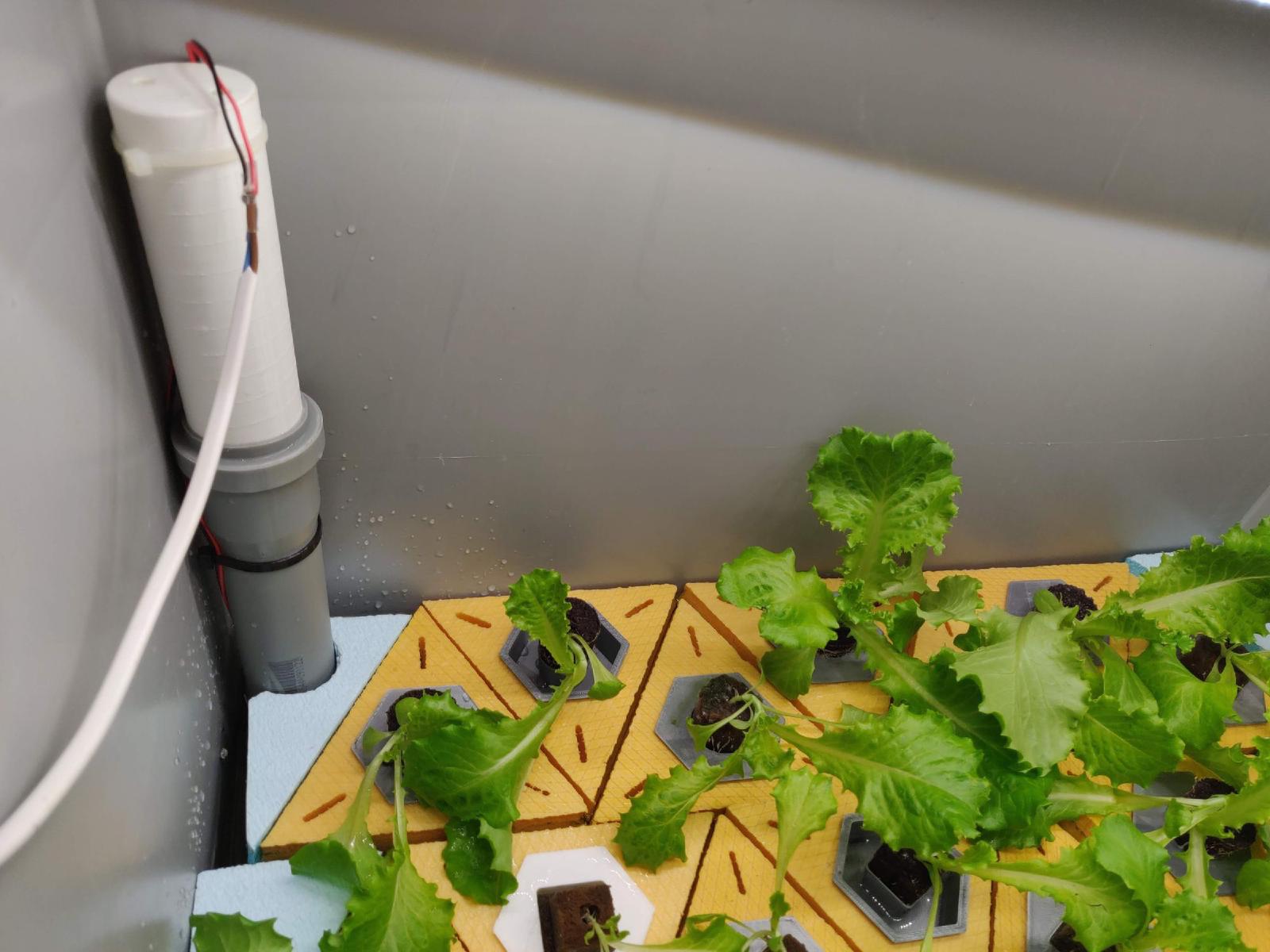
I used to build many different hydroponic systems, but most of them are installed in Industra - maker space in Brno. Now, sitting at home on quarantine I don’t go the space that often, but still want to grow some lettuces. The one was built is a simple Deep Water Culture (DWC) - a bucket with a nutrient solution and a plant floating on the surface with a piece of polystyrene foam.